
The core WP RSS Aggregator plugin and Advanced Bundle Add-ons use the built-in WordPress Post type to display feed items on the front end of your site.
Add your feed source and adjust your settings as needed, then pull in your feed items as a post.
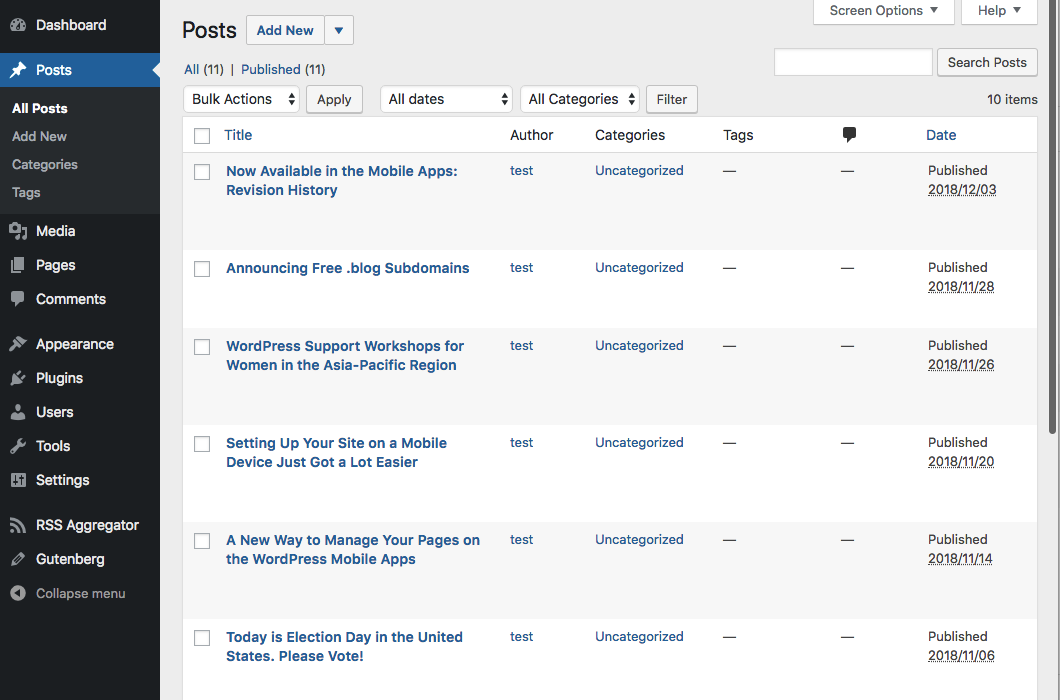
Viewing or editing each feed item in the backend is just the same as you would for a WordPress Post using the new Gutenberg block editor. All post content is imported into a Classic block and displayed together. It is not split into individual blocks for content, images, and so on.
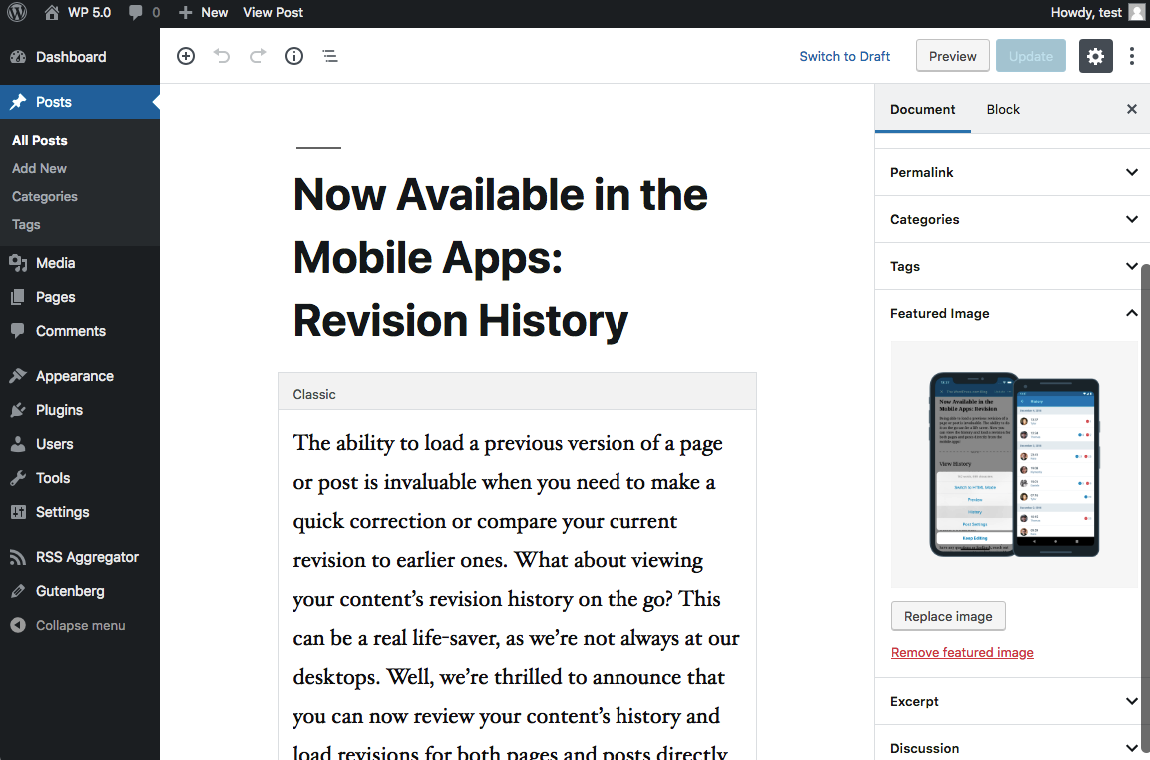
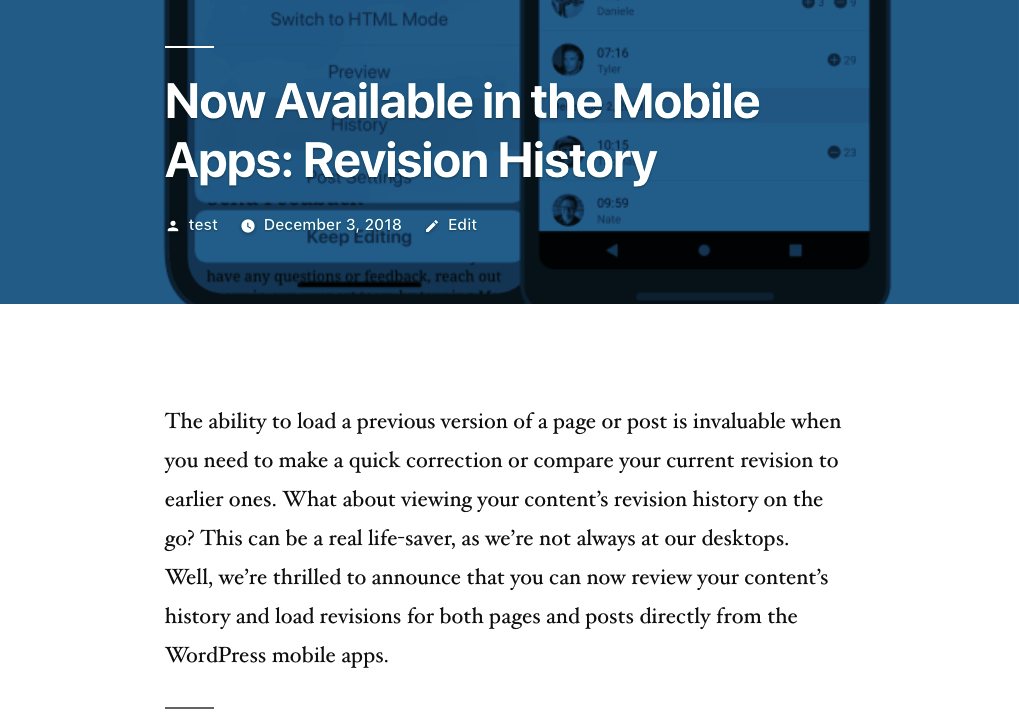
NOTE: At the moment the Gutenberg block editor itself has a limitation that doesn't allow WP RSS Aggregator or any other plugin to programmatically insert posts with blocks. The Gutenberg team is planning on adding support for it in the future, at which point we'll look into it ourselves.

