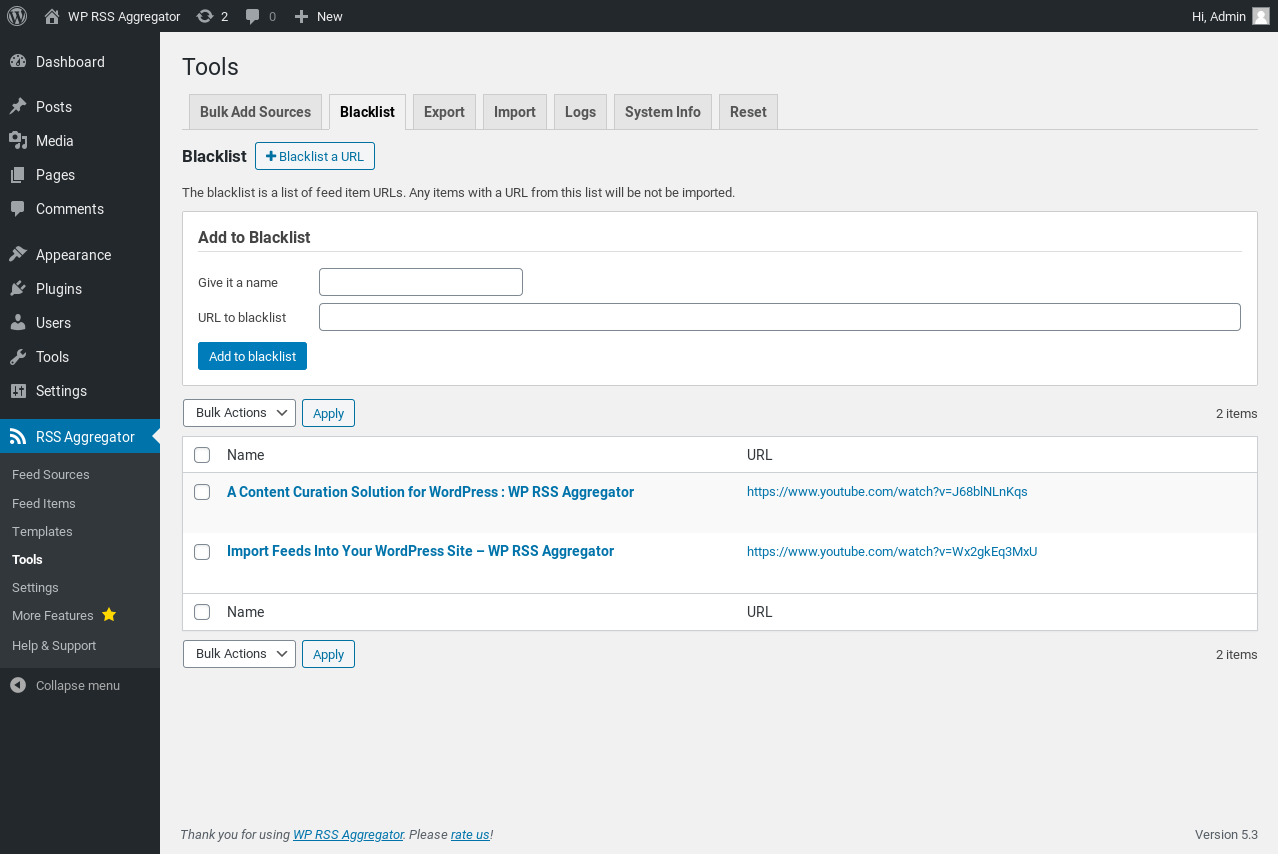
WP RSS Aggregator offers what is called a Blacklist. This is where you can tell WP RSS Aggregator not to import a specific item or post from any feed. The blacklist can be found at RSS Aggregator > Tools > Blacklist.

There are two ways you can use the blacklist.
Firstly, you can find an already imported item or post, send it to the Trash, and from within the Trash use the Delete Permanently & Blacklist option. This automatically adds the item to the blacklist.
Alternatively, you can manually add any item to the blacklist as shown below. This is ideal for when you know of a new item or post that is scheduled to be imported to your site, but which you do not want to import for whatever reason.