
When deleting already imported feed items or posts, make sure to permanently delete them.
Moving a feed item or post to the Trash will not permanently delete the feed item or post, meaning that when you try to re-fetch the feed source, the trashed feed item or post will not be re-imported since it’s permalink still exists on your website.
Always do the following:
- Check your Trash folders for any imported items and posts.
- Make sure to permanently delete them before attempting to re-fetch the feed source.
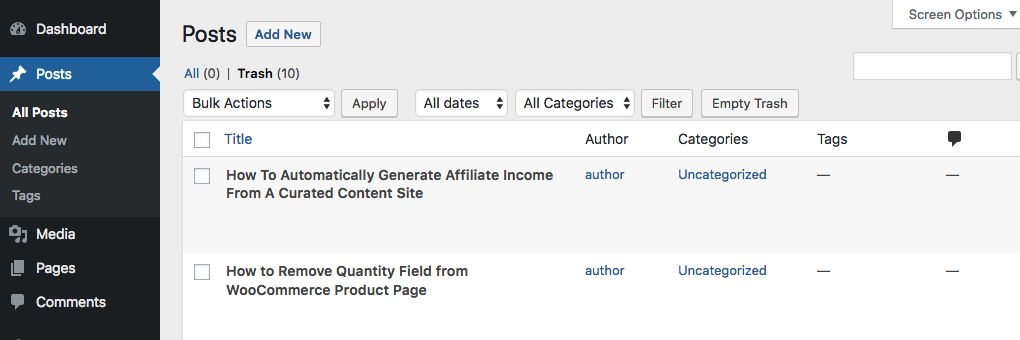
- When using the Feed to Post add-on, please look in the Posts section’s Trash.
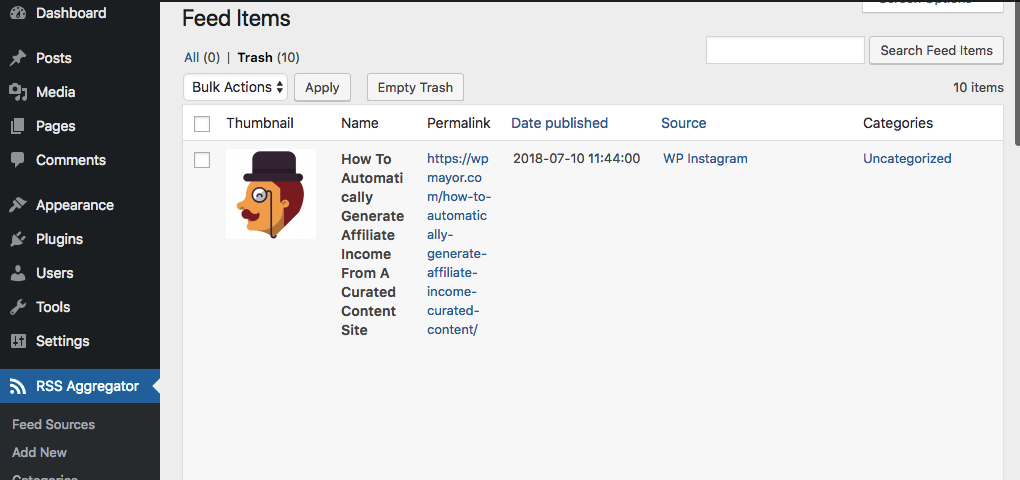
- When not using Feed to Post, please look under RSS Aggregator > Feed Items > Trash.
If you are a new user of the Feed to Post add-on, you may have already imported the same feeds with their feed items populated under RSS Aggregator > Feed Items. With Feed to Post active, you will need to import the feeds into WordPress Posts or Custom Posts by setting the Post Type in the General section of the Edit Feed Source page. To allow that, first delete the items from RSS Aggregator > Feed Items and empty the Trash as well. This step is necessary because our plugins will skip importing items already present in your database.

