
The Date settings under the Advanced tab when creating or editing a Source allow you to manage how the dates for imported content are set.
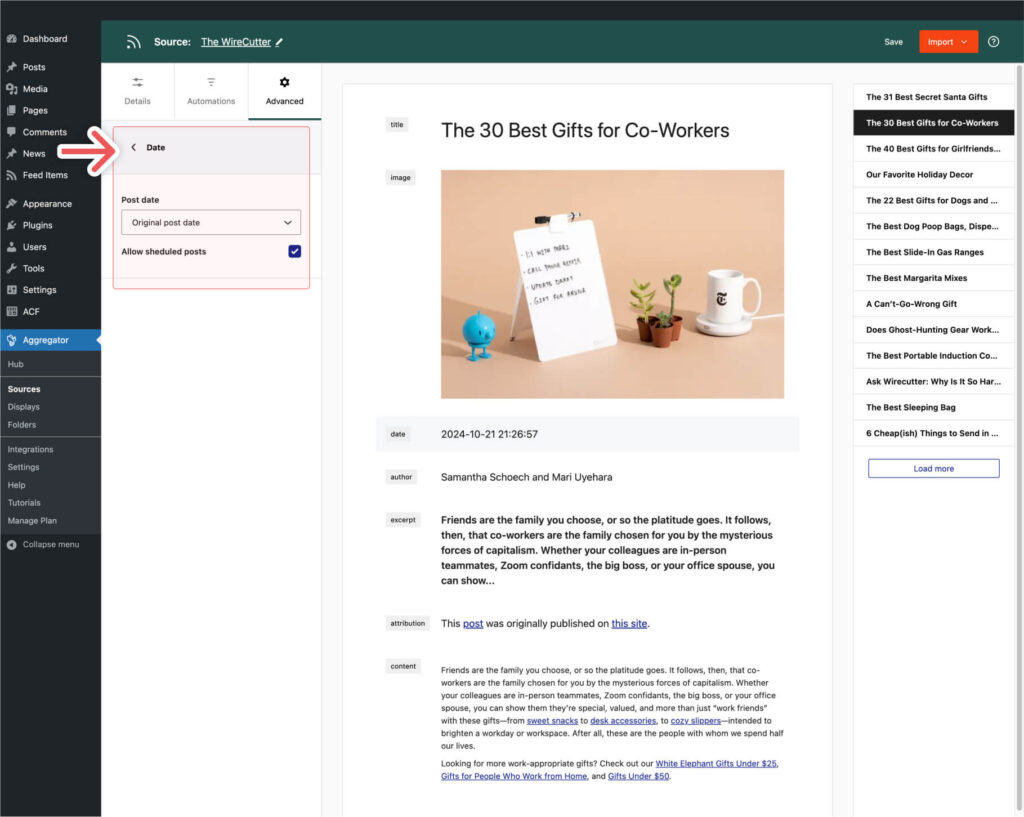
Post Date
This setting determines which date should be used for the imported posts. The options are:
- Original Post Date: Use the date when the original content was published on the Source website.
- Feed Import Date: Use the date when the item was imported into your site.
Allow Scheduled Posts
This option allows you to enable or disable scheduled posts. Some Sources may include items in their RSS feeds that are scheduled to be published in the future. Enabling this option will import these items along with already published items.
