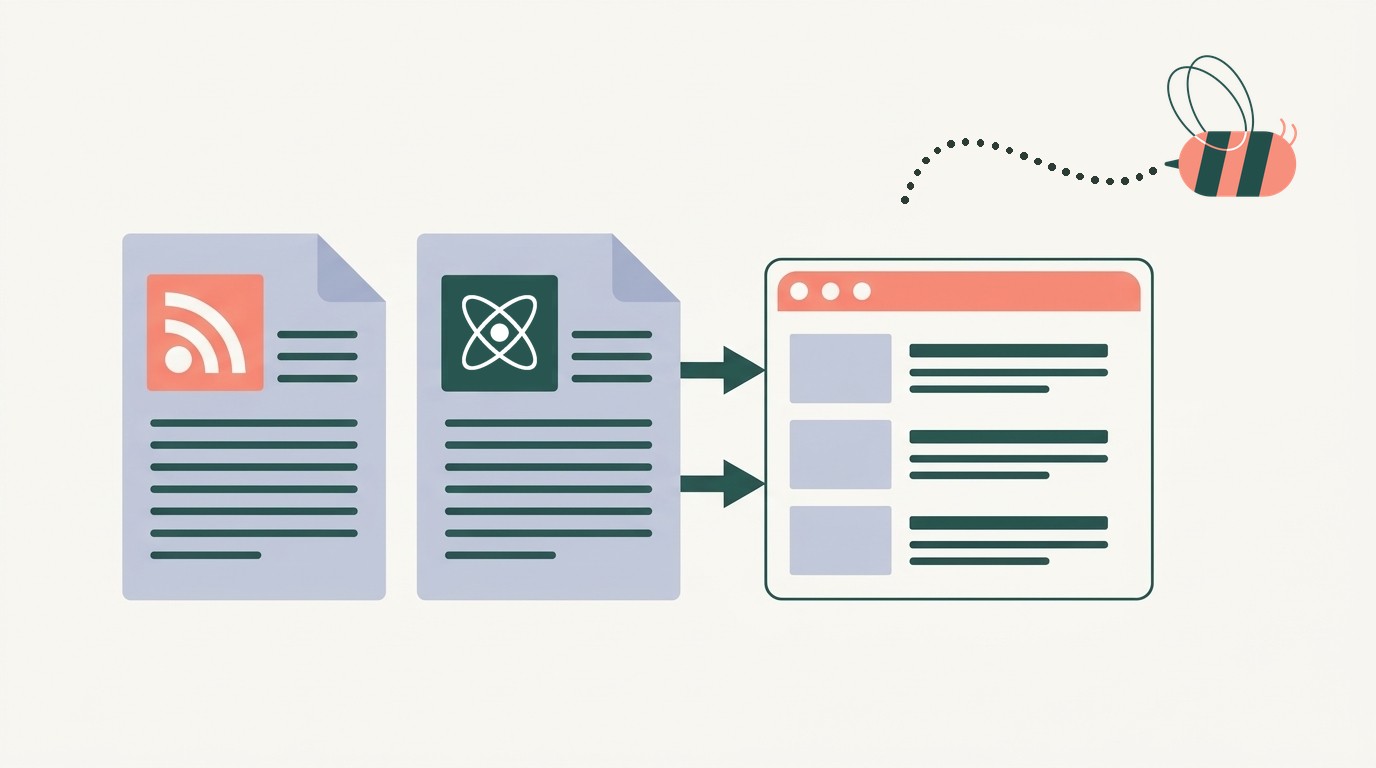
RSS and Atom are two XML formats for the same job: a file that lists a site’s newest posts so apps can pick them up. The real difference is the rules: Atom requires an ID, a title and an update time on every post, while RSS is older and looser. It only matters for podcasts, which need RSS; for reading feeds or importing them into a website, either format works.
We make Aggregator, a WordPress plugin that imports both formats, so we ran the same feeds through it to see what actually changes. Here’s what we found:
- The same WordPress.org News post came out identical from RSS and Atom, except that only Atom added the time the post was last edited.
- Atom requires a permanent ID on every post, which is what an importer uses to skip posts it already has. In RSS the ID is optional, so when it’s missing, Aggregator uses the post’s link instead.
- YouTube’s Atom feed keeps each video’s description in a separate media element, so a basic importer gets only the title.
Atom vs RSS at a glance
Both formats are written in XML: plain text where each piece sits between labels, like <title> and </title>. RSS and Atom often name the same piece differently, so a post’s date is pubDate in RSS and published in Atom.
| Compared | RSS | Atom |
|---|---|---|
| Looked after by | The RSS Advisory Board | The IETF, which sets internet standards. The rules are in a document called RFC 4287 |
| Current version | RSS 2.0.11, from March 30, 2009 | Atom 1.0, from December 2005 |
| The file starts with | <rss> | <feed> |
| One post is called | an item | an entry |
| Every post must have | a title or a description | an ID, a title and an “updated” time |
| Dates look like | Tue, 03 Nov 2026 15:45:29 +0000 | 2026-11-03T15:45:29Z |
| Says whether text contains HTML | No | Yes |
| Summary and full post | One description element; the full post needs an add-on element | Separate summary and content elements |
| Records when a post was last edited | No | Yes |
| Accepted by Apple Podcasts | Yes | No |
Atom came from people who found RSS too vague. RSS never says whether a post’s description is plain text or HTML (the code that formats web pages), and it lets a post go without an ID. Atom spells out both.
What is an Atom feed?
An Atom feed is a feed written in the Atom Syndication Format, which the IETF published in December 2005. You follow one the same way as an RSS feed, by pasting its address into a feed reader or a plugin. YouTube channels, GitHub releases, Blogger blogs and Google Alerts all send Atom.
RSS vs Atom: the same post in both formats
WordPress makes both formats for every site, so it’s a fair comparison. Here’s the same WordPress.org News post as RSS and as Atom. Tap a line on either side to see its partner.
RSS wordpress.org/news/feed/
Atom wordpress.org/news/feed/atom/
guid in RSS, id in Atom
A permanent ID. Apps use it to recognize a post they’ve already shown you. It’s optional in RSS and required in Atom. WordPress puts the same ID in both.
All ten pairs explained
itemin RSS,entryin Atom- One post. RSS calls it an item, Atom calls it an entry.
titlein RSS,titlein Atom- The headline. Atom adds type=”html” so apps know how to display it.
linkin RSS,link rel="alternate"in Atom- The address of the post on the website.
dc:creatorin RSS,authorin Atom- Who wrote it. RSS borrows this element from an add-on called Dublin Core. Atom has its own, with a name and a profile link.
pubDatein RSS,publishedin Atom- When the post went live. Same moment, two date styles.
- Nothing in RSS,
updatedin Atom - When the post was last changed, five minutes after publishing here. RSS has no element for this. Atom requires it.
guidin RSS,idin Atom- A permanent ID. Apps use it to recognize a post they’ve already shown you. It’s optional in RSS and required in Atom. WordPress puts the same ID in both.
categoryin RSS,category termin Atom- The post’s categories and tags.
descriptionin RSS,summaryin Atom- A short summary of the post.
content:encodedin RSS,contentin Atom- The full post. RSS needs an add-on element for it. Atom has one built in.
Most of it matches: the whole post, the same ID and the same publish time. That’s because WordPress.org chose to send everything in both formats. Our own blog sends only summaries, in RSS and Atom alike.
Which sites use RSS and which use Atom
Most feeds you’ll meet are RSS. Atom shows up on Google’s YouTube, Blogger and Google Alerts, and on GitHub. We opened every feed below and loaded each one into Aggregator on a test site. All of them worked except Reddit’s, which blocked our test server, and GitHub’s RSS address, which doesn’t exist.
| Feed | Address | Format |
|---|---|---|
| The Verge | https://www.theverge.com/rss/index.xml | AtomAddress says RSS |
| Reddit (r/WordPress) | https://www.reddit.com/r/WordPress/.rssUntil November 13. | AtomAddress says RSS |
| WordPress TV on YouTube | https://www.youtube.com/feeds/videos.xml?channel_id=UCdof4Ju7amm1chz1gi1T2ZA | Atom |
| Google Alerts | Each alert has its own address. How to get one | Atom |
| Google News search for “wordpress” | https://news.google.com/rss/search?q=wordpress&hl=en-US&gl=US&ceid=US:en | RSS |
| Blogger (the Chromium Blog) | https://blog.chromium.org/feeds/posts/default | Atom |
| Same Blogger blog, RSS version | https://blog.chromium.org/feeds/posts/default?alt=rss | RSS |
| Gutenberg releases on GitHub | https://github.com/WordPress/gutenberg/releases.atom | Atom |
| GitHub, asking for RSS instead | https://github.com/WordPress/gutenberg/releases.rss | NoneGitHub returns an error |
| Substack (One Useful Thing) | https://www.oneusefulthing.org/feed | RSS |
| WordPress.com Blog | https://wordpress.com/blog/feed/ | RSS |
| NPR News | https://feeds.npr.org/1001/rss.xml | RSS |
| Hacker News front page | https://news.ycombinator.com/rss | RSS |
| The Aggregator blog | https://www.wprssaggregator.com/feed/ | RSS |
| The Aggregator blog, Atom version | https://www.wprssaggregator.com/feed/atom/ | Atom |
You can’t judge a feed by its address. The Verge’s feed lives at theverge.com/rss/index.xml, but the file is Atom. Reddit’s .rss feeds are Atom too, until Reddit turns them off on November 13. Here’s The Verge’s feed opened in Chrome:

<feed> in the Atom namespace.Our guides cover the YouTube, Google News and Google Alerts feeds, and Reddit’s shutdown.
How to tell if a feed is RSS or Atom
Open the feed in your browser: an RSS file starts with <rss> (with <channel> inside it, not on top), and an Atom file starts with <feed xmlns="http://www.w3.org/2005/Atom">. Don’t trust the web address or the file type the server sends: six of the 14 working feeds we tested called themselves plain XML. Or paste the first few lines into the checker below, which runs in your browser and fetches nothing.
Is this feed RSS or Atom?
If a feed won’t load at all, a feed validator will show what’s broken.
Is Atom better than RSS?
On paper, yes. Atom is stricter and leaves less for apps to guess. In practice RSS is far more common.
In a May 2023 sample of home pages by the HTTP Archive, half pointed to an RSS feed and only 8% to an Atom feed. The real Atom share is a little higher, because WordPress makes an Atom feed for every site but only links the RSS one in its page code.
What it means for you depends on what you’re doing:
- If you read feeds in an app, the format doesn’t matter. Use whichever address you have.
- If you show other sites’ posts on your WordPress site, it doesn’t matter either, as long as your plugin reads both.
- If you publish a blog, keep the format your platform makes. Both work everywhere.
- If you publish a podcast, use RSS. Apple Podcasts requires RSS 2.0.
What happens when you import RSS or Atom into WordPress
Aggregator reads feeds with SimplePie, the feed-reading code that comes with WordPress, and that’s how we ran the test above. It also reads each YouTube video’s description from that media element, so imported videos keep it.

One thing no format fixes: if a site’s feed carries only a summary, that’s all you get, in RSS or Atom. Aggregator Pro’s full text import fetches the rest of each article from the site.
Should your site publish RSS, Atom or both?
Keep what your platform makes. WordPress already serves RSS 2.0 at yoursite.com/feed/ and Atom at yoursite.com/feed/atom/, plus two older formats. If you move your main feed to a new address, anyone who subscribed to the old one stops getting your posts, unless the old address redirects to the new one.
If you’re starting a podcast, our guide to creating a podcast RSS feed walks through it.
Put RSS and Atom feeds on your WordPress site
To put other sites’ posts on your own site, start with the feed’s address. Here’s how to find any website’s RSS feed. Then add it to Aggregator as a source and show it on a page with the Aggregator block or shortcode. To publish the items as WordPress posts instead, follow our guide to importing RSS feeds into WordPress posts.
Turn these feeds into a page that updates itself
Pick any feed from this article, RSS or Atom, and add it to Aggregator. The free plugin checks it on a schedule, hourly unless you change it, and adds each new post to your WordPress page.

FAQ
Can an RSS reader read Atom feeds?
Yes. “RSS reader” is just the common name for any feed reader, and they’re made to read both. NetNewsWire’s help page, for example, says it handles RSS, Atom and JSON Feed.
Can I convert an Atom feed to RSS?
You can, with an online converter, but there’s rarely a reason to: anything that reads feeds takes Atom as it is. A converter also adds a second address that stops updating if the service shuts down.
Is an RSS feed an XML file?
Yes. RSS and Atom feeds are both XML files, which is why your browser shows a page of tags when you open one.
Is RSS still used in 2026?
Yes. Podcasts run on RSS, and plenty of news sites and blogs still publish feeds. Our guide to what an RSS feed is shows real ones you can open.
What about JSON Feed?
JSON Feed is a third format that does the same job in JSON instead of XML. Fewer apps read it than RSS or Atom, and Aggregator doesn’t.
Why does my WordPress site have an Atom feed I never set up?
WordPress makes one for every site, next to the RSS feed. Add /feed/atom/ to your site address to see it. You don’t have to do anything with it.