
The Audio settings under the Advanced tab when creating or editing a source allow you to manage how audio content is handled for imported posts.
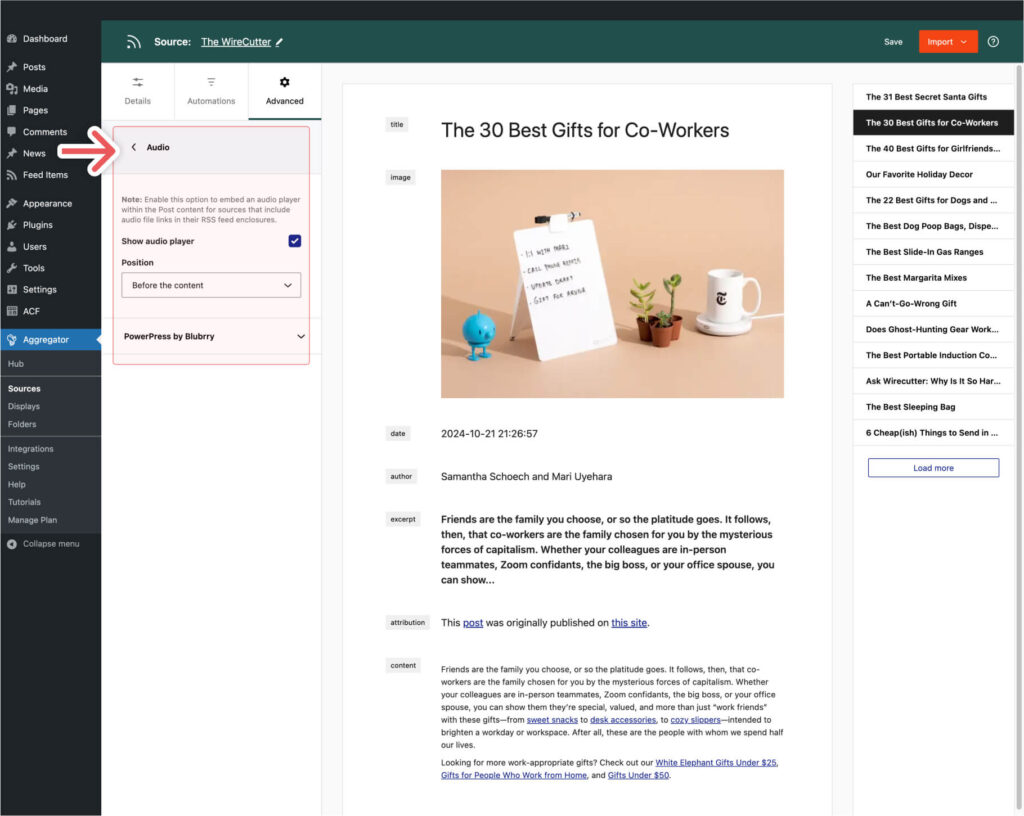
Show Audio Player
This setting determines whether an audio player is embedded within the post content for sources that include audio file links in their RSS feed enclosures. For example, this would come in handy when importing a podcast feed so that you’d include an audio player in the post content so that visitors can listen to the episodes directly on your site.
Position
Decide on the position of the audio player within the post content. Your options are:
- Before the Content: The audio player will be embedded before the post content starts.
- After the Content: The audio player will be embedded after the post content ends.
These settings provide flexibility in integrating audio content into your posts, ensuring that audio files are accessible and conveniently positioned for your readers.
