

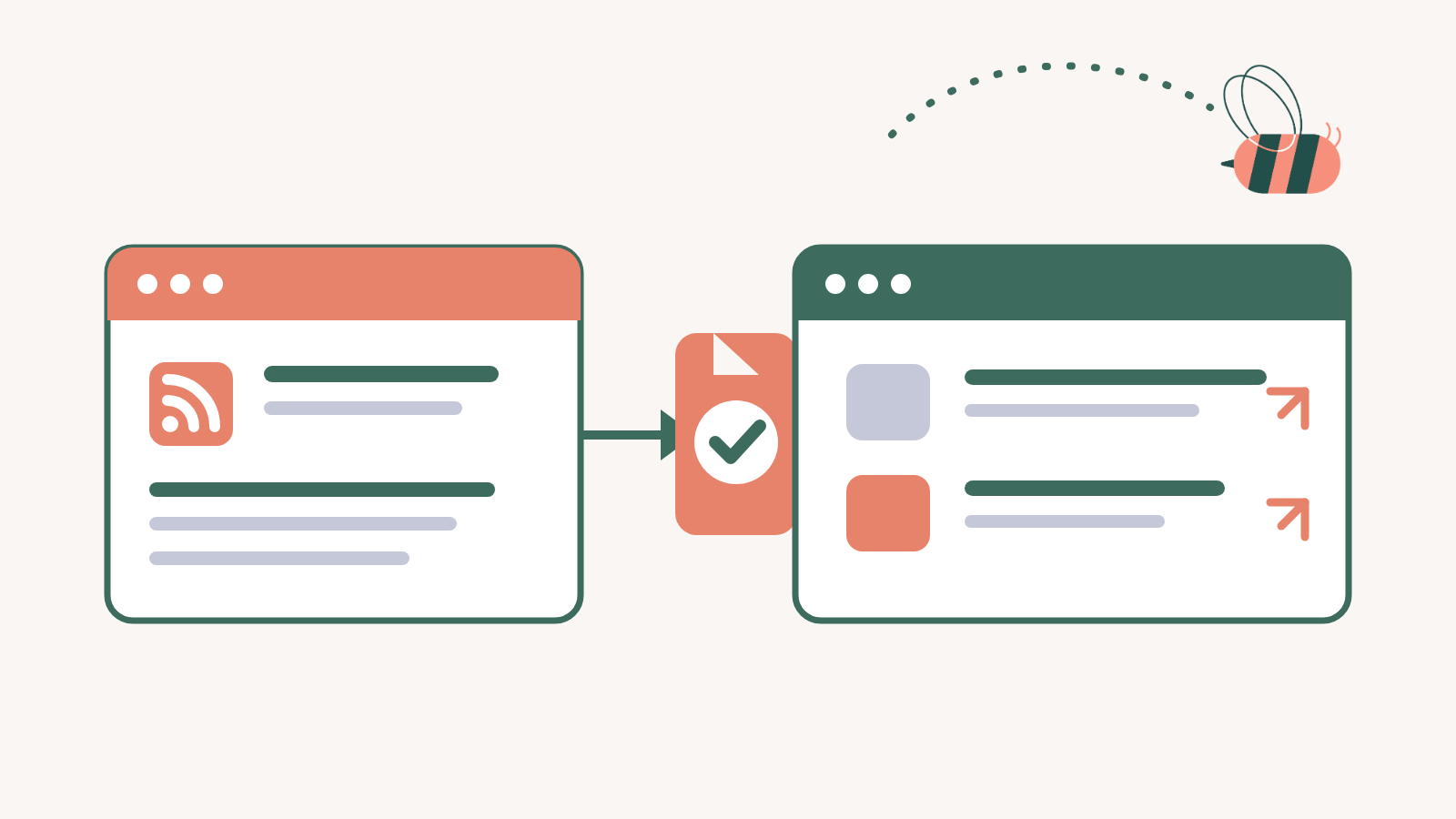
Say you want a news section on your WordPress site: a row of industry headlines on the homepage, or a page that gathers useful stories from a few trusted publications. You can build that without writing every story yourself. What you cannot do is assume that an article is free to copy because it is online.
Yes, you can post news articles on your website, but the method matters. If you want the full article, get permission or a license. If you are curating coverage, write a short summary or use a limited excerpt, add your own context, and send readers to the original. Content published under a Creative Commons license is another option, as long as you follow its terms.
Choose the route before you publish
Start with what you want the finished page to contain.
Ask the rights holder for written permission or buy a republishing license.
Check the exact Creative Commons terms, then reuse the work within those limits.
Publish your own summary or a limited excerpt, name the source, and link to the original.
This article is a practical starting point, not legal advice. If republishing is central to your business, have an attorney review the setup.
For most sites, a curated feed is the useful answer
Most WordPress news sections do not need the full text of every article. A headline, a short summary, the publisher’s name, and a clear link are usually enough to help readers decide what to open. That is the useful part of news curation: you add the context your audience needs, then point them to the original reporting.
In the US, a limited excerpt used for commentary, criticism, or reporting may qualify as fair use. It is not automatic permission. Courts weigh four factors, including how much you used and whether your version competes with the original. Cornell Law School’s page on 17 U.S.C. § 107 lists them, and Stanford’s plain-English overview explains how they work. Because the answer depends on context, do not rely on a fixed word count or a credit line as your only test.
NASA · July 14, 2026
Curiosity Blog, Sols 4941–4947: (Pin)Stripes on the Fourth of July
NASA’s Curiosity rover spent the week approaching the boundary between a smooth, sandy region and rougher bedrock on Mars.
Why it matters: Space-news readers can see what the rover was doing before they open the full mission log.
Read the original story →If you want the whole article, ask first
Reprinting a full article is different from pointing readers to it. For a one-off, email the author or publisher, explain where the article will appear, and keep the written approval. For ongoing commercial use, ask about a syndication or reprints license. NYT Licensing is one example of a publisher handling those requests.
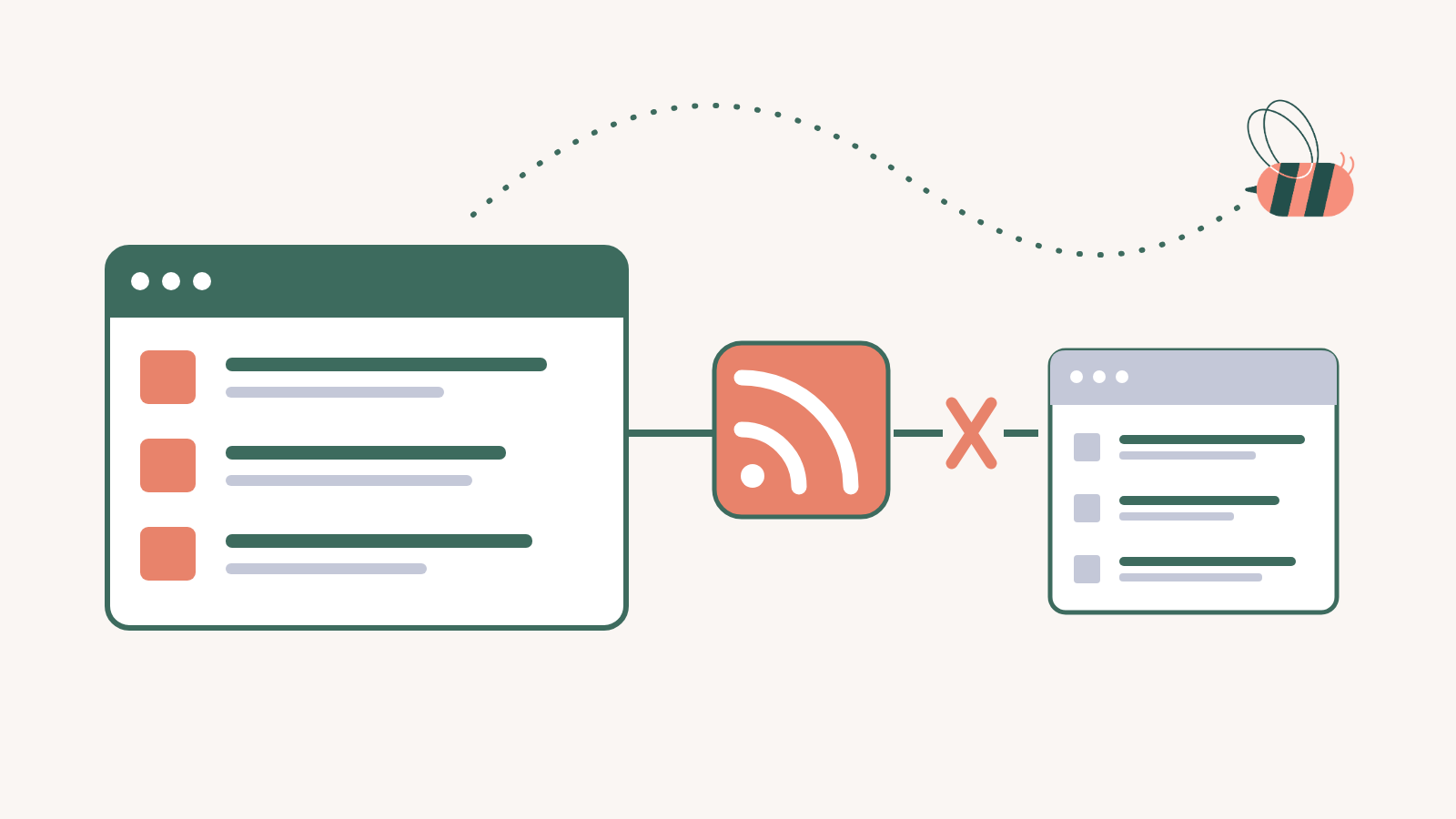
Crediting the publisher is still important, but credit does not create permission. The same applies to RSS: a feed gives software a way to receive new items; it does not grant the right to republish them in full.
Creative Commons content comes with its own rules
Some publishers and independent creators release work under a Creative Commons license. That is permission in advance, but it is not always permission to do anything you like. A CC BY license lets you reuse the work when you credit the creator. CC0 places the work in the public domain. Other licenses can limit commercial use or changes, so read the label attached to the specific article.
Build the news section with Aggregator
Once you know which sources you can use and what each item should show, the WordPress setup is straightforward. Aggregator reads the RSS feeds you choose and brings their latest items into one display, so you do not have to add every headline by hand.
- Install and activate Aggregator.
- Add a source by pasting its feed URL.
- Create a display and choose the sources it should use.
- Choose the layout and adjust the design.
- Embed the display on a page or post.

A display can keep the source visible and link each item back to the original. If you use a feature that imports complete articles, confirm that your permission or license covers full-text republication before turning it on.
Check each source before you publish
| Check | Why it matters |
|---|---|
| How much are you showing? | A summary and source link serve a different purpose from a full copy of the article. |
| Who granted permission? | Keep the email, contract, or license terms with your source records. |
| Are images covered too? | A publisher may have the right to the article but not to license every photo inside it. |
| Is the source obvious? | Name the publisher and make the original article easy to reach. |
| Does your page add anything? | A useful summary or note gives readers a reason to use your collection instead of seeing it as a copy. |
Frequently asked questions
Usually. Copyright protects the article’s original wording and structure as soon as it is written. Facts and ideas are not protected in the same way, but that does not make the article itself free to copy.
Reposting a complete article without permission can infringe copyright. If you want the full text on your site, get written permission or a republishing license from the rights holder.
Limited quoting may be allowed in some contexts, especially when you add commentary or criticism, but fair use is decided case by case in the US. Keep the quote focused, credit the source, and link to the original.
No. An RSS feed is a delivery method, not a license. It can bring a headline, excerpt, or article into WordPress, but the publisher’s terms still determine what you may republish.
Build a news section without copying stories by hand
Add the feeds you have chosen, show the details your readers need, and keep every item connected to its original source.
See Aggregator plans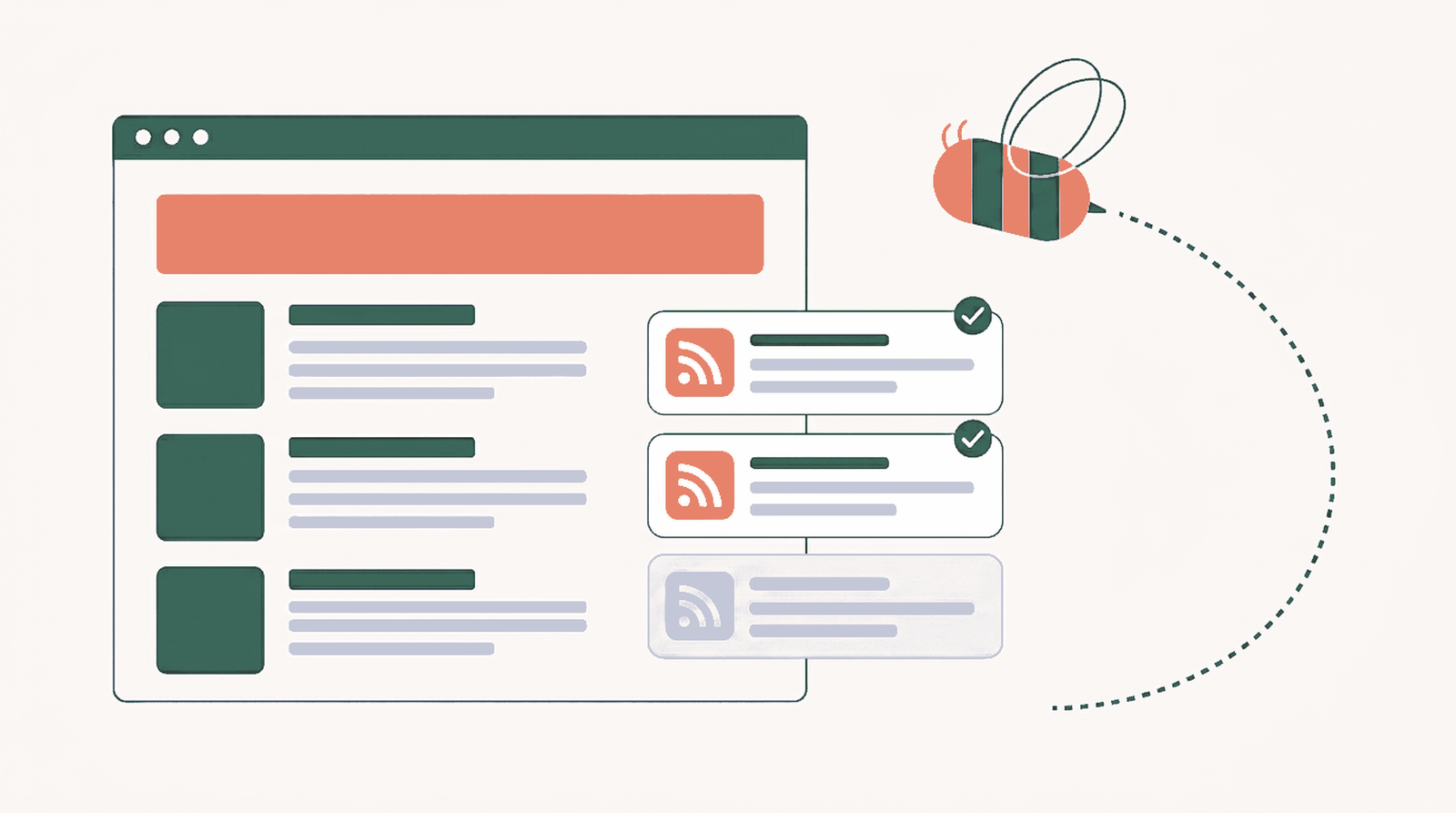


2 Responses
Very helpful thanks
Thanks very much! I appreciate the tips. Left FB months ago for personal reasons & plan to use Instagram instead.