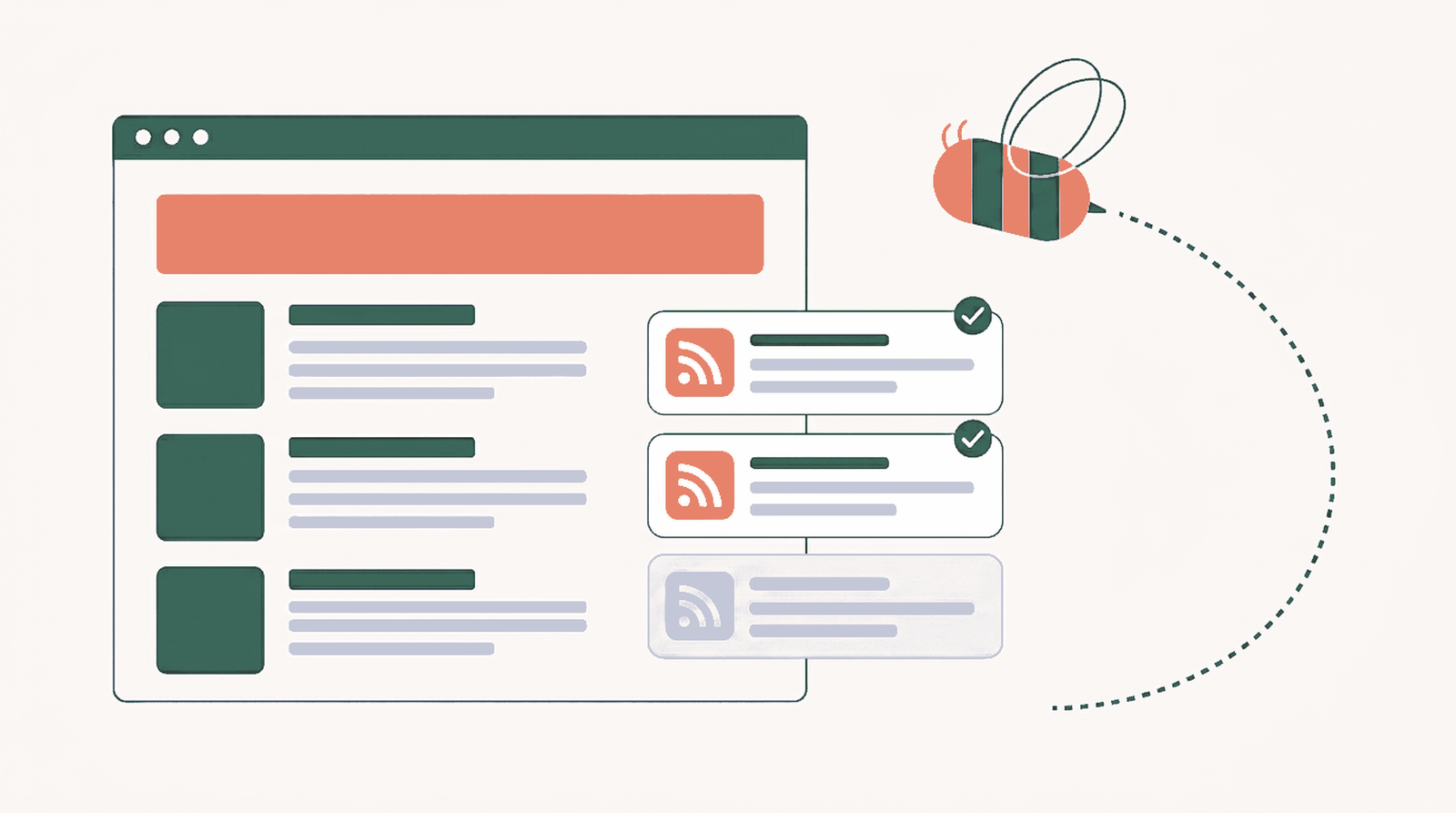
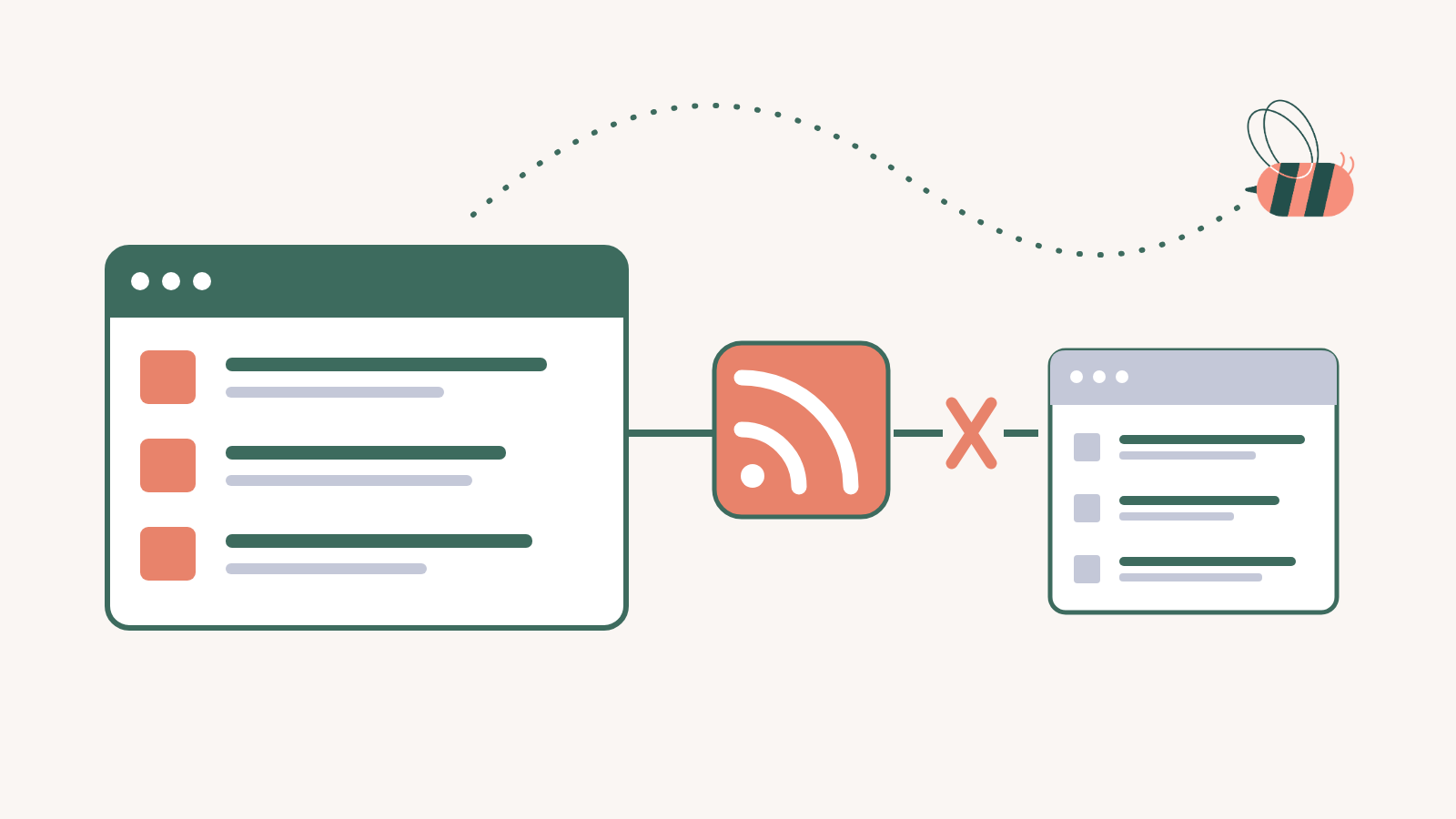
Every Substack publication has an RSS feed. Add /feed to the end of its web address and that is the feed: https://bigtechnology.substack.com/feed returns every new Big Technology post as XML, no account or tool required. The catch that trips most people up is custom domains, and I will get to exactly how those behave below.
If all you wanted was to read a newsletter in your feed reader, you can stop here and paste that URL into Feedly. The longer version is for anyone who wants to do something with the feed, like pull a few Substacks you trust into a section of their own WordPress site. I tested every pattern in this guide against live publications on June 13, 2026, including the half-dozen that look like they should work and quietly 404, so the table below is what actually responds rather than what the forums guess at. The WordPress walkthrough near the end uses WP RSS Aggregator, and if RSS itself is new to you, the guide to finding any site’s feed URL is the better starting point.
Does Substack have an RSS feed?
It does, on every publication, and Substack says so in its own help center: the feed lives at https://your.substack.com/feed, swapping in the publication’s name. What Substack does not do is surface it anywhere in the reading interface. There is no RSS button on a publication page and no mention of it in the subscribe flow, so most readers never learn the feed exists. It does, for all of them, and it carries the full text of every free post.

The Substack RSS URL patterns that actually work
There is really only one pattern, which is the good news. A publication has a single feed, and you build its URL by adding /feed to the home address. Where it gets confusing is custom domains and the handful of variations people assume exist by analogy with other platforms. Here is what responds with a valid feed, each row checked on June 13, 2026.
| What you want | Feed URL | Notes |
|---|---|---|
| A publication on a Substack subdomain | https://NAME.substack.com/feedexample: bigtechnology.substack.com/feed | The canonical feed, and the one Substack documents. |
| A publication on a custom domain | https://CUSTOMDOMAIN/feedexample: www.thefp.com/feed | Append /feed to the custom domain itself; the substack.com subdomain is often dead once a publication moves. |
| Podcast episodes | the same /feed | Audio rides in the main feed as <enclosure> tags. There is no separate podcast URL. |
A trailing slash makes no difference; /feed and /feed/ both return the same thing. That really is the entire reference. The two sections that follow exist because two specific cases send people in circles: custom domains, and the URLs that look plausible but lead nowhere.
Custom domains: where the feed moves to
This is the one that fills forum threads. Someone finds a newsletter they like, notices it runs “on Substack,” and tries publicationname.substack.com/feed only to hit an error. Once a publication adopts its own domain, the old subdomain frequently stops resolving, and the feed travels with the domain rather than staying behind on substack.com.
The rule does not change, you just apply it to the real address. The Free Press sits at thefp.com, so its feed is https://www.thefp.com/feed. Lenny’s Newsletter sits at lennysnewsletter.com, so the feed is https://www.lennysnewsletter.com/feed. Both return clean, full RSS. There is a tell hiding in the feed itself: when I pulled Big Technology’s, its own self-reference link pointed at bigtechnology.com/feed, the custom domain, even though the substack.com subdomain still answers. When in doubt, open the publication, look at the domain in your address bar, whatever it is, and put /feed after it.
The URLs that look right and 404
Because Substack borrows conventions from platforms that do expose more granular feeds, these guesses feel reasonable. I tried each one on a live publication; none of them returns a feed, so you can cross them off now.
/rssin place of/feedgives a 404. Substack answers to/feedand nothing else./feed/podcastand/podcast/feedare dead ends. The audio is already in the main feed, as covered above./s/SECTION/feedfor one section of a multi-section publication is not exposed. Sections all share the single feed.- There is no per-author feed across a writer’s publications, so
substack.com/@handle/feeddoes nothing. RSS here is tied to a publication, not a person. If a writer runs three newsletters, that is three feeds.
Free posts come through whole; paid posts come through as teasers
This one matters before you build anything on a feed, and it surprised me the first time I diffed the output. On a free post, the feed carries the entire article. On a paid, subscriber-only post, the feed carries only the public preview, the same teaser a logged-out visitor sees, capped off with a subscribe prompt. I confirmed it on The Free Press feed: the free pieces ran to tens of thousands of characters, while the paywalled ones stopped at a couple of paragraphs.
That is Substack honoring the writer’s paywall, which is exactly what it should do. The practical takeaway for you: a feed is a dependable way to follow and resurface a publication’s free output, and a poor way to mirror a mostly-paywalled one, because you would be republishing teasers. If you plan to put a Substack on your own site, favor the writers who publish freely.
Does Substack RSS still work in 2026, and is Substack dying?
Both questions get searched, so: yes, the feeds work, on every publication I tested this month, and the /feed pattern is years old with no sign of changing. The “is Substack dying” anxiety is a separate thing, and it does not touch RSS at all. The feed is a plain output that every publication emits regardless of how the company is doing. That independence is the reason to route anything you actually care about through a feed you own rather than through someone’s app and whatever its algorithm decides to show you that week.
Putting a Substack feed on your WordPress site
Say you run a niche site about the AI industry and you follow a dozen good Substacks in the space. Right now that reading lives in your inbox and dies there. Point those feeds at your site instead and you get a section that refreshes itself the moment any of those writers publishes, so your readers find the best of those newsletters in one place and the site stays alive between your own posts. The manual alternative is opening a dozen inboxes and pasting links into a roundup by hand, which nobody keeps up for long.
This is where WP RSS Aggregator comes in. The core plugin is free and handles basic feed display; publishing those Substack items as native posts, and the styled list and grid templates, come with the paid plans starting at Basic. The setup runs about three minutes.
Add the Substack feed as a source
In the WordPress admin, open RSS Aggregator > Feed Sources > Add New, name the source after the publication, and drop the Substack feed URL into the source link field. Save, and the plugin pulls the recent posts right away. Repeat it for each Substack you want to track; they all flow into one library you manage from a single screen.

Filter out what you don’t want
A prolific newsletter can post more than fits your section. Keyword filtering lets you keep only the items that match what your page is about, so a broad AI feed can narrow to just the posts mentioning open models, or a particular company, before anything reaches your site. The filtering guide covers how. The free-versus-paid rule applies here as well: a heavily paywalled publication will mostly send teasers, which is another reason to lean toward free-leaning Substacks for an on-site section.

Display the feed, or turn each item into a post
You have two ways to surface the content. A display renders the feed as a clean templated list or grid that you drop onto any page with a block or shortcode, each item linking back to the original. Or you reach for Feed to Post, which turns each Substack item into its own WordPress post in your theme’s layout, credited to the source, sitting alongside your own writing and feeding your categories and archives.

One more thing worth knowing if you want the section to read like part of the site rather than a list of links. On the Pro plan, every imported post can get a short AI TL;DR generated for it, so a reader can scan the gist before deciding to click through, and you did not write a word of it by hand. The deeper mechanics of the import side are in the guide to importing RSS feeds into WordPress posts.
When the native feed isn’t enough
The native /feed handles almost everything, with two exceptions worth naming. If you want to follow a source that genuinely has no feed, which is not a Substack problem but tends to come up in the same breath, a hosted generator like RSS.app can build one from a page. And if your goal is only to read Substacks rather than republish them, a reader like Feedly or Inoreader is the simpler home; the same /feed URL drops straight in. Neither one replaces the native feed for putting Substack content on a site you own. They cover the edges around it.
Common questions about Substack RSS feeds
Do Substacks have RSS feeds?
All of them do. The feed sits at the publication’s address with /feed on the end, like https://bigtechnology.substack.com/feed, or https://www.thefp.com/feed when the publication runs on its own domain.
How do I turn a Substack into an RSS feed?
Nothing needs converting. The feed already exists; you just add /feed to the publication’s web address and use that URL in your reader or in WP RSS Aggregator.
How do I find a Substack’s RSS feed URL?
Open the publication, check what is in your address bar (a substack.com subdomain or a custom domain), and append /feed. Substack hides the link in its interface, so the address-plus-/feed trick is how you get it.
Do paid Substack posts come through RSS?
Only the preview part. Free posts arrive whole; paid ones arrive as the public teaser plus a subscribe prompt, never the full subscriber text. The feed respects the paywall.
Bringing it onto your site
Substack RSS is about as simple as a feed gets: one per publication, at /feed, on whichever domain the publication uses, with free posts whole and paid ones previewed. The address is the easy part. What you do with it is the interesting part, and if you are assembling a platform-by-platform toolkit, the same approach carries over to YouTube, Google News, and Facebook. And if you are sizing up Substack as somewhere to publish rather than somewhere to follow, we get into that in the piece on making money with Substack.