AI content repurposing uses AI to turn one “pillar” asset, like a long article, video, or podcast, into many smaller platform-specific pieces: short clips, social posts, email sections, and more. The catch most guides skip is that this only works if you have a steady, curated supply of source material feeding it. If your pillar well runs dry, no repurposing tool can help. So the real first step is fixing where your source content comes from.
The tools that rank for this topic are excellent at the output half of the job. They assume you already have one strong asset and want to multiply it. This guide covers the half they leave out: building a reliable intake pipeline so you always have fresh, on-topic material to repurpose. We will use WP RSS Aggregator for the intake side, then hand off cleanly to the output tools you already know.
What is AI content repurposing?
AI content repurposing is the practice of taking a single piece of content and using AI to reshape it into formats suited to different channels. A 2,000-word blog post becomes a LinkedIn carousel, a thread, three short email blurbs, and a video script. A webinar recording becomes a set of clips, a summary article, and a quote graphic. The AI does the format conversion and the first-draft rewriting; you do the review and the publishing.
The standard workflow looks like this:
- Start with a pillar asset (the long-form piece).
- Feed it to an AI repurposing tool.
- Generate platform-specific variants (clips, posts, summaries).
- Review and edit for accuracy and voice.
- Schedule and distribute across channels.
This output side is well covered. Dedicated tools handle it well, and we link to a couple later in this guide. But notice what step one quietly assumes: that you already have a strong pillar asset, and another one ready after that, and another after that. That assumption is where most repurposing efforts stall.
Where does the source content actually come from?
Repurposing multiplies whatever you put into it. One pillar asset can become ten posts. But ten posts from one asset is still one idea, one angle, one source. Run that for a month and your audience notices: every post traces back to the same handful of pieces. The repurposing engine is working; the supply line behind it is not.
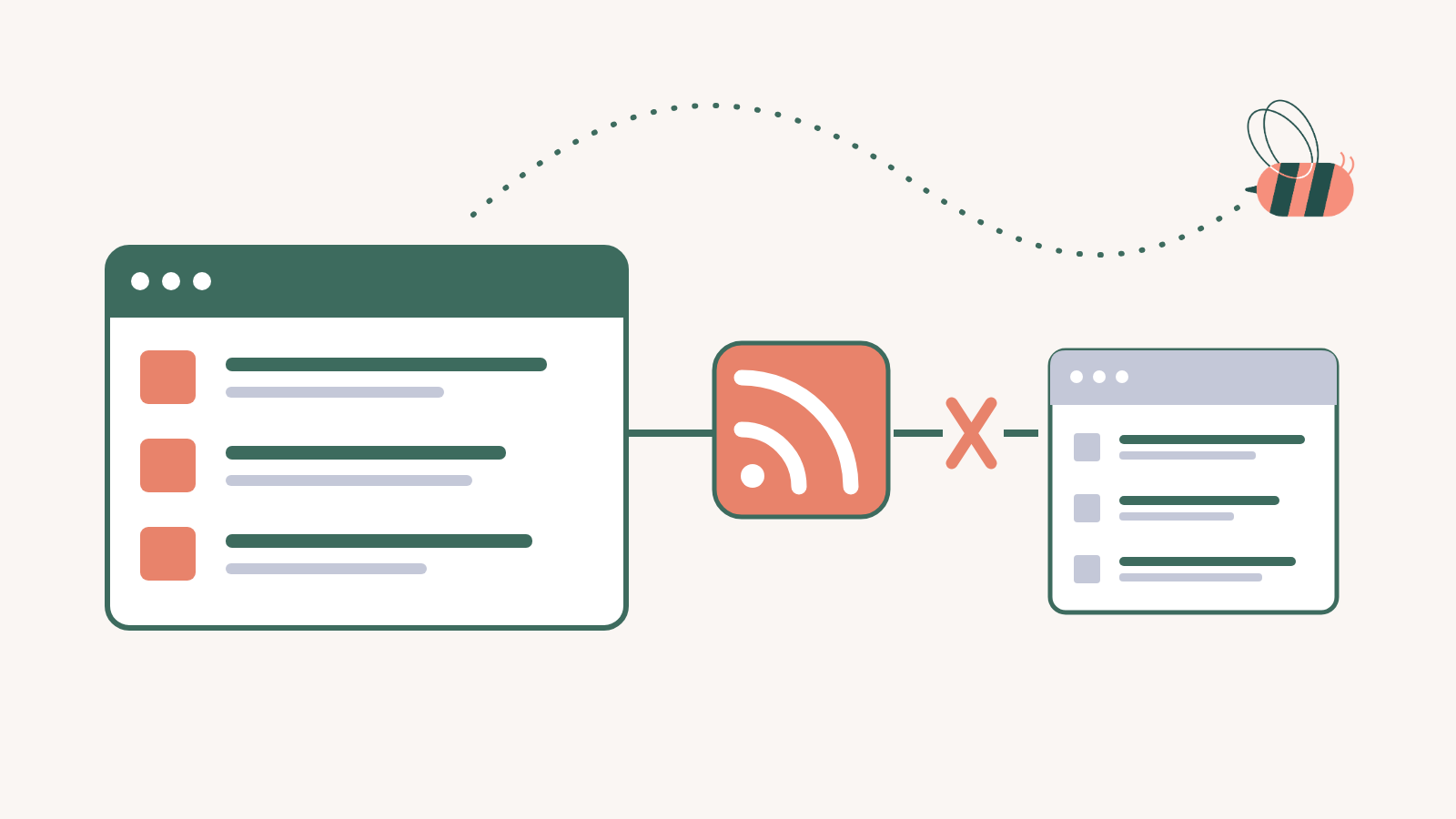
This is the intake problem, and it is the half the repurposing tools assume you have solved. Where do fresh angles come from? How do you keep a current view of what is being published in your niche, so you have raw material to react to, summarize, and build on? For most teams the honest answer is a browser with twenty tabs and a vague intention to “stay on top of the industry.” That does not scale, and it does not feed a repurposing workflow reliably.
The fix is to treat content intake as its own system. This is content curation: pulling from many trusted sources, filtering down to what is relevant, and turning that stream into source material you can repurpose. RSS is still the most reliable way to do it, because it gives you a structured, automatic feed from any site that publishes one, with no scraping and no manual checking.
How do you build a content intake pipeline in WordPress?
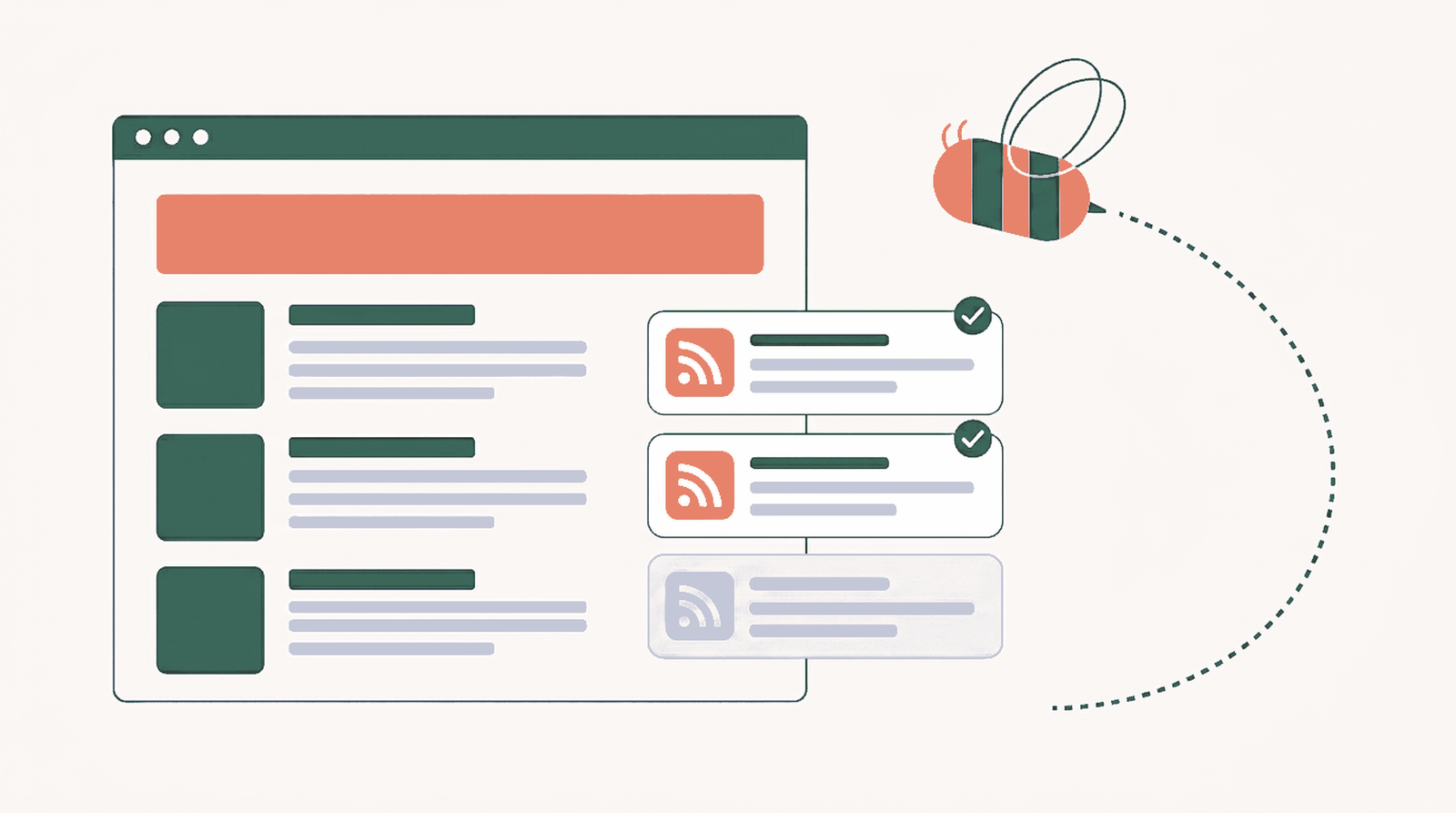
Here is a concrete intake pipeline you can build in WordPress with WP RSS Aggregator. The goal is a steady, filtered, pre-summarized stream of source material, so that when you sit down to repurpose, the raw input is already waiting and already scoped to your topic.
Step 1: Add your sources as Feed to Post
Add the RSS feeds of the publications, blogs, and channels you want to track as sources. Set each source to import items as posts, using Feed to Post. This matters for two reasons: imported posts give you a searchable, organized archive of source material inside WordPress, and the AI features in the next step only run on sources configured this way.

Start narrow. Ten to fifteen high-signal sources beat a hundred that bury the good material in noise. You can always add more once the pipeline is running.
Step 2: Filter each source down to what is relevant
A raw feed includes everything a source publishes. You only want the slice that is on-topic for your repurposing. Use keyword filtering to keep items that match the terms you care about and drop the rest before they ever reach your site. Filtering is available on Basic plans and up, set per source.

This is the step that turns a firehose into a feed you can actually use. Filtered intake means every item that lands is already a candidate for repurposing, not something you have to sort through first.
Step 3: Pre-summarize the source material with AI
Now make each imported item faster to work with. Aggregator’s AI Content Suite can attach a summary to imported posts as they come in, so you can scan a week of source material in minutes instead of opening every full article. Two features fit the intake job:
- AI TL;DR adds a bullet-point summary block to the imported post. Good for fast triage: which items are worth repurposing this week?
- AI Summaries add a paragraph summary block. Good for capturing the gist of a source in your own working archive before you build on it. If you are weighing whether summaries earn their place in a curation workflow, here is the case for why they matter.
Both are available on Pro and Elite plans and run on AI Credits included with your license, with no separate AI subscription to set up. You enable them per source, under Source, Advanced, AI, so you choose which feeds get summarized and which do not. If you are on Elite, AI Rewriting can also reshape an imported item’s title and body in place, which is useful when you want a clean, original-language working draft to repurpose from rather than the publisher’s exact wording.


One rule throughout: AI output is a first draft, not a finished product. AI summaries and rewrites can be inaccurate, incomplete, or miss nuance, so review them before you publish or build anything public on top of them. The point of the AI layer here is speed of triage and a head start on the draft, not unattended publishing.
For a fuller walkthrough of this curation-plus-AI setup in a publishing context, see our guide on building an AI news aggregator in WordPress, which uses the same intake mechanics.
How do you go from curated source to repurposed assets?
Here is the honest boundary. WP RSS Aggregator is the intake side: it curates, filters, and summarizes your source material. It does not generate short-form video clips, write your social captions, or schedule posts across platforms. That is the output side, and dedicated tools do it well.
So the full workflow chains the two halves together:
- Intake (Aggregator): curated, filtered, summarized source material waiting in WordPress.
- Selection: you pick the items worth repurposing this cycle, using the TL;DRs to triage quickly.
- Output (repurposing tools): you take the chosen material into a tool like Repurpose.io for multi-channel distribution or Quso.ai for video-first clipping, or you draft the platform assets yourself.
- Review and publish: edit for accuracy and brand voice, then schedule.
The two halves are complementary, not competing. The output tools are only as good as what you feed them, and a curated intake pipeline is what keeps them fed.
Should you buy a repurposing tool or fix your sourcing first?
Before you pay for another AI tool, diagnose which half of the workflow is actually your bottleneck. The answer changes what you should do next.
| Your situation | Real bottleneck | Do this first |
|---|---|---|
| You have strong pillar assets but no time to turn them into channel-specific posts | Output | Buy a repurposing tool. This is exactly what they are for. |
| You repurpose the same few pieces over and over and are running out of angles | Intake | Build a curated source pipeline before adding more output tooling. |
| You spend hours each week just keeping up with what is published in your niche | Intake | Automate curation with RSS and AI summaries so source-scanning takes minutes. |
| You have both a thin pipeline and no repurposing workflow | Intake first | Fix supply before scaling output. A repurposing tool with nothing to repurpose is wasted spend. |
The pattern is simple: if you already have more good material than you can publish, the output tools are your answer. If you are starved for fresh, on-topic input, no output tool fixes that. Fix intake first.
Common AI content repurposing mistakes
- Repurposing from a single source. Ten posts from one article is still one idea. Pull from many curated sources so your output has range.
- No filtering on intake. An unfiltered feed buries the useful material in noise and makes the AI summarize things you will never use, which wastes both your time and your credits.
- Treating AI output as publish-ready. Summaries and rewrites are first drafts. They can be inaccurate or miss context. Review before anything goes public.
- Skipping attribution. When you build on a source, credit and link it. Aggregator adds a canonical link back to the original on every imported item by default, which keeps your curation workflow honest with both readers and search engines.
- Buying output tools to fix an intake problem. Diagnose the bottleneck first. The most common mis-spend in repurposing is paying for distribution when the real shortage is source material.
The takeaway
AI content repurposing is powerful, but it is only the second half of a workflow. The first half is intake: a curated, filtered, summarized supply of source material that keeps the repurposing engine fed. Get the source side right and everything downstream gets easier, because you are always working from fresh, relevant, pre-scanned input instead of scraping the bottom of the same few pillar pieces.
If you want to build that intake side, start with automated content curation in WordPress: add your sources, filter them to your topic, and let AI summaries make the stream fast to work with. And once the pipeline is running, our guide to repurposing content using RSS feeds covers creative angles for the output side. The repurposing tools will be waiting for whatever you feed them.